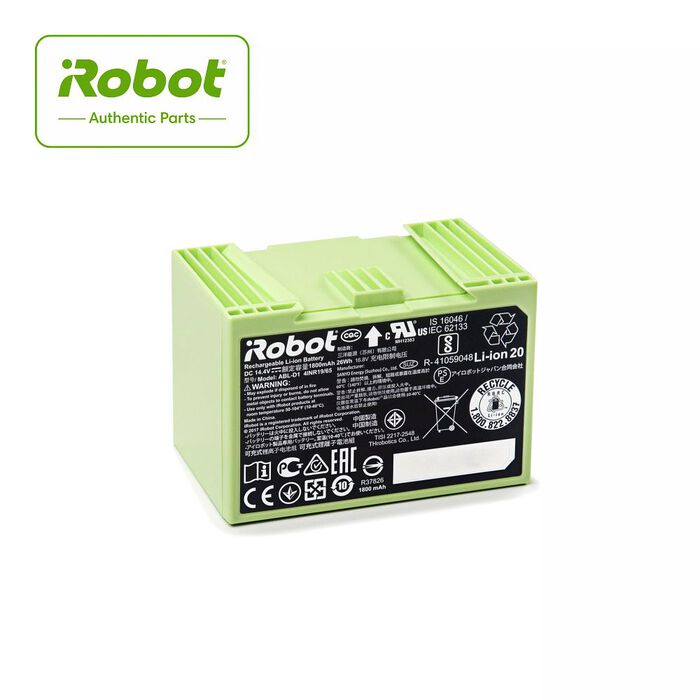
Lithium Ion Battery for Roomba® e & i series
What's in the Box:
- 1 Lithium Ion Battery
How do I replace Roomba® e and i Series battery?
Use the following procedure to remove and install the Roomba e and i Series battery.
-
Loosen the edge sweeping brush screw with a flat head screwdriver or coin and remove the edge sweeping brush.

-
Loosen the 5 screws that retain the bottom cover with a cross head screwdriver.

-
Unclip the original battery to remove it from the robot.

-
Insert the replacement battery in the battery well. The battery tab will secure it into place.
 If the battery is removed from the robot for 15 minutes, the battery will turn off. If Roomba is not turning on after the battery has been removed, place the robot on the Home Base to wake it up.
 -
Place the bottom cover back on the robot and then tighten the 5 screws.
-
Install the edge sweeping brush and then tighten the edge sweeping brush screw.
No te pierdas nada
Si haces clic y te suscribes, aceptas nuestra
